Bitly Integration Guide
Bitly is URL shortener service that allows making links shorter.
1. Register a Bitly account
- Go to the https://bitly.com and sign up for a new account.
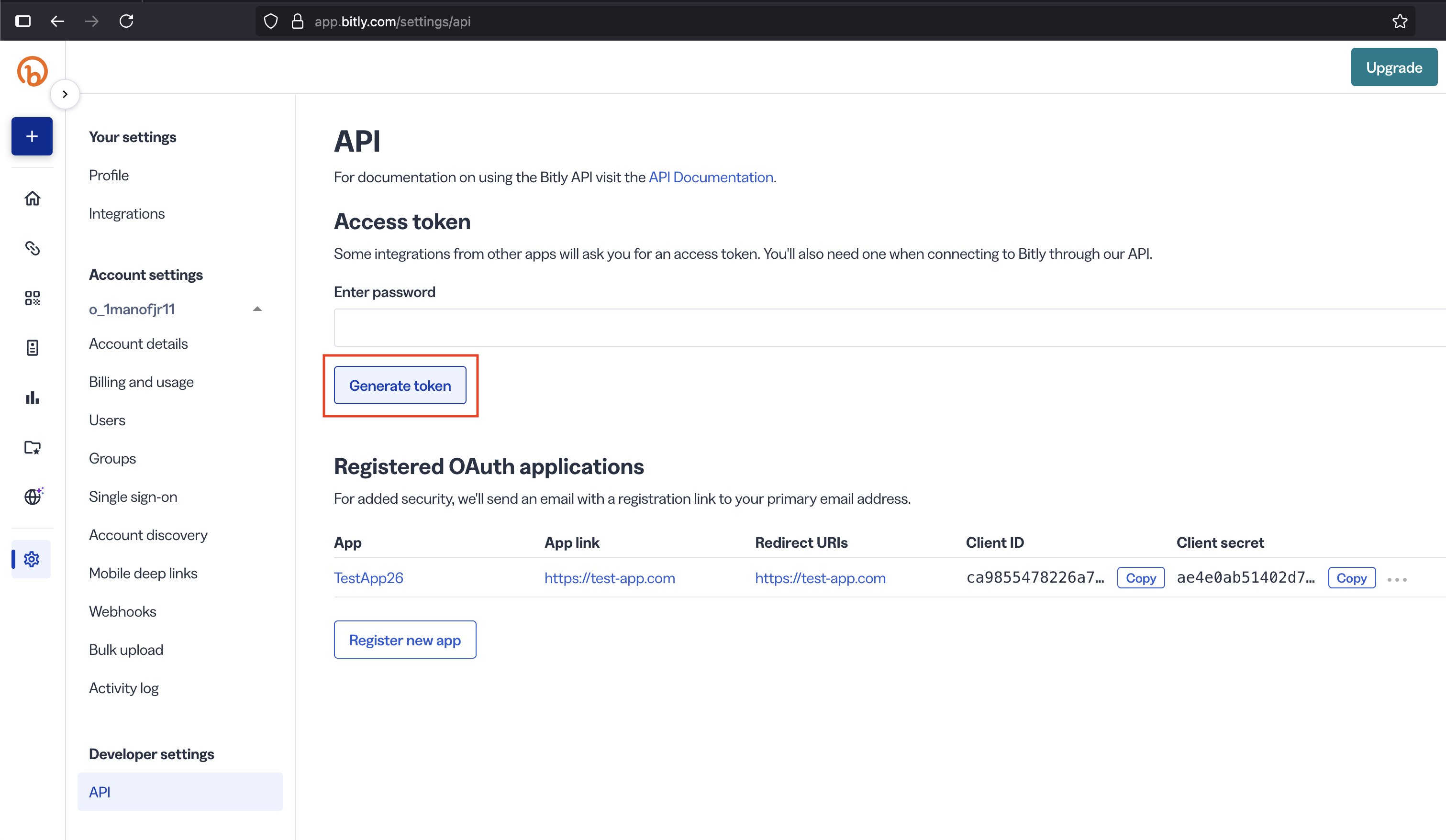
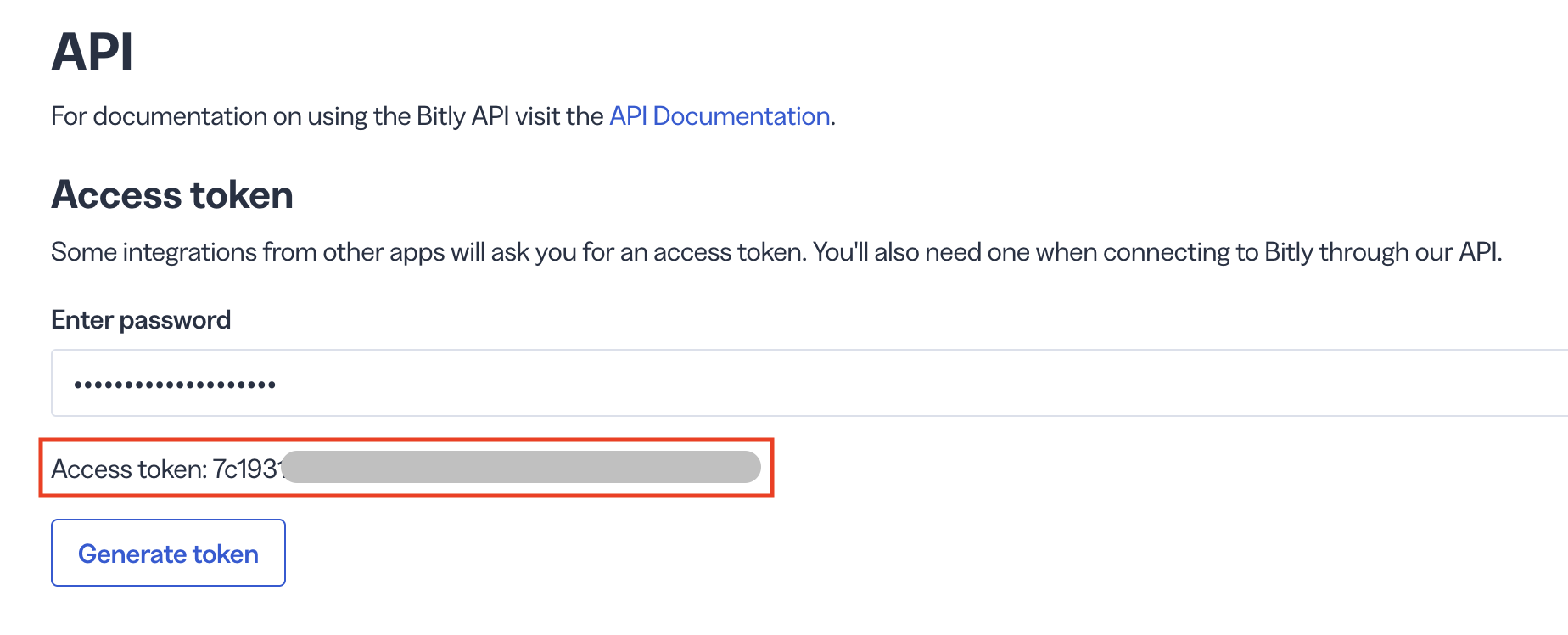
- Log in into your account, navigate to the left sidebar and go to Settings -> API. Here you have to generate an access token (see screenshot).
Screenshots:
2. Configure Bitly service in Mixpost
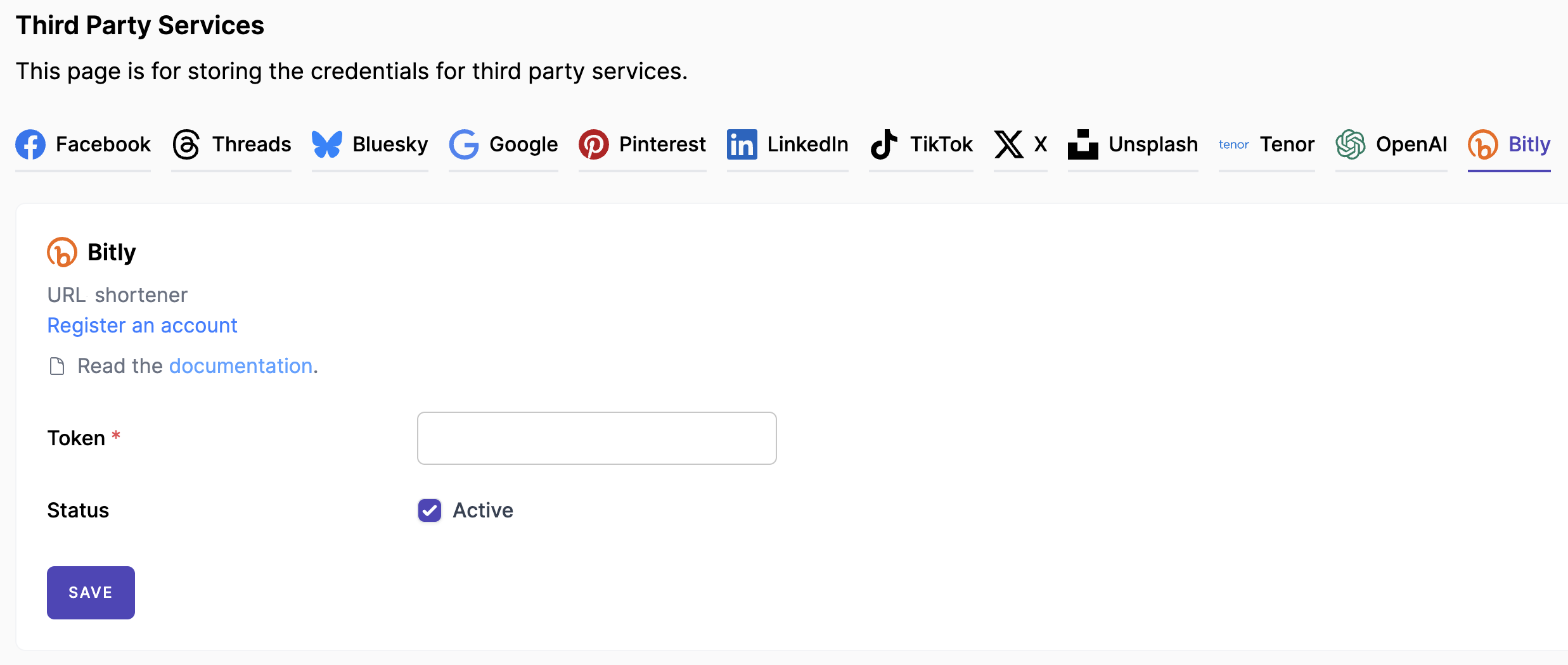
Copy your Bitly's access token, navigate to your Mixpost dashboard and paste it into the Bitly third-party service form (see screenshot), save.
Third-Party Service form's in the Mixpost dashboard
- Pro and Enterprise
- Lite
Navigate to the User Menu at the bottom left, click Admin Console, and then click on Services from the left sidebar.
Click on Services from the left sidebar.
Screenshots:
3. Configure URL Shortener Source
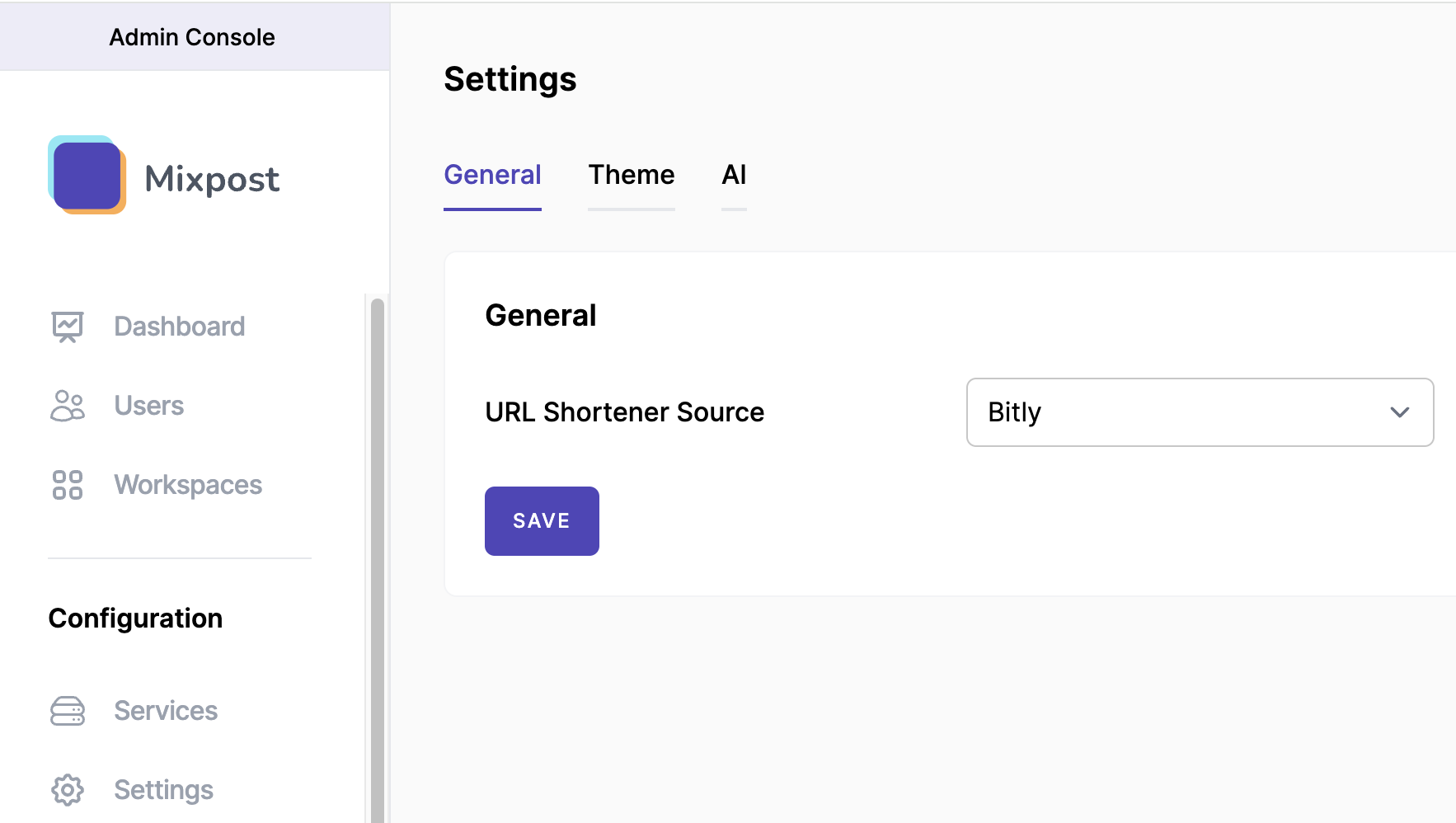
In Mixpost Settings -> General tab set URL Shortener Source to Bitly.
Screenshots:
4. Done
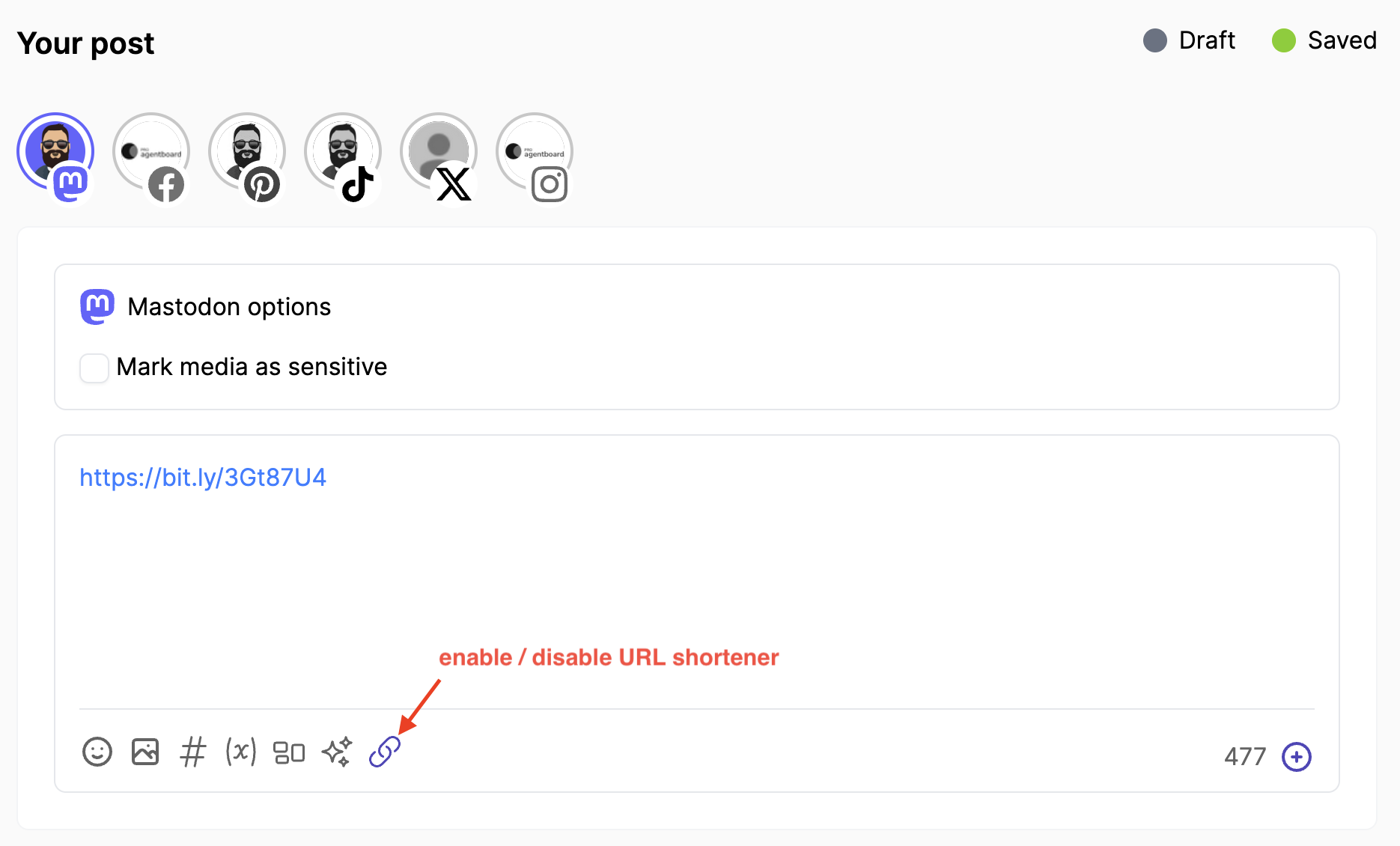
You have successfully configured your Bitly service. Now you can use Bitly to shorten URLs in your Mixpost's post text editor. Click URL shortener button to shorten URLs or expand shortened URLs to its original versions (see screenshot).
Screenshots: